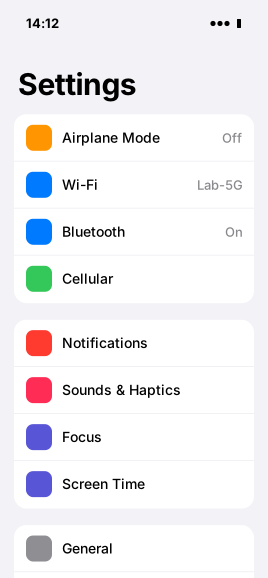
Every Device does two things
Act and See fail independently, so Ghostyard always tells you which one works and what to do about the other.
● Working
Control via ClickerAct · taps, swipes and typing reach the Phone through its Clicker.● Working
StreamSee · the Phone streams its screen at up to 30 fps.How it works
From box to Ready in two minutes
- 1Plug the Clicker into the iPhone
One Clicker per Phone, over USB. It needs Wi-Fi and power, nothing else.
- 2Pair it with the Setup Code
Enter the code from the Clicker's label, scan a QR with the Ghostyard app. About two minutes.
- 3Hand it to an agent, or take control
Runs operate the Phone through the API; anyone on your team can watch live or take over.
Who it is for
Agent builders
Give your agents real iOS apps to work in, with every tap and screen on record.
Device farms
Keep dozens of Phones in one list, sorted by what needs attention first.
QA and support
Reproduce what a customer sees on a real iPhone, from any browser.
Request access
Ghostyard is invite-only while we grow the fleet. Tell us about your Phones and we'll set up your Organization.